You must have previously Signed Up as a user on PNWShootup.com in order to register for an event online. If you have not previously signed up, you can get instructions by clicking here.
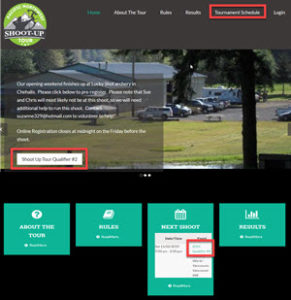
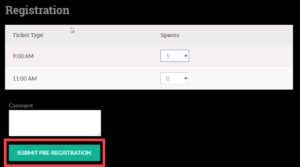
Navigate to the Event page for the shoot you are trying to register for. There are three different ways you could get there. Any of them will work:
Click on the Tournament Schedule link in the Header, then click on the title of the event you want to register for. Note: On mobile devices, the Header may be hidden behind a menu button that looks like this:
Click on an Event Registration Button in a post
Click on the title of the event in the Next Shoot service at the bottom of the home page